
If you have a box of VHS tapes, camcorder cassettes, or old home movies sitting in a closet, attic, or garage tape digitizing services in Wilmington, the footage on them is degrading right now, whether or not the tapes are ever played again. This guide explains why that happens, which tape formats can still be converted, how the digitizing process generally works, what file formats are worth choosing, and how to store your converted videos so they actually last. It’s written for anyone weighing whether it’s time to convert old tapes to digital files before the memories on them are gone for good.
The short answer: most magnetic tape has a realistic shelf life of a few decades before picture and sound quality noticeably decline, and Wilmington’s climate can shorten that window. If your tapes are more than 15–20 years old, converting them sooner rather than later is the safer choice.
Why Old VHS and Video Tapes Don’t Last Forever
VHS, camcorder, and other analog video tapes store images and sound as magnetic patterns on a strip of tape coated in iron oxide particles. That coating is bonded to the tape with a binder, and over time the binder breaks down. This isn’t a hypothetical risk – it’s a chemical process that happens to every tape, regardless of how carefully it was handled.
Three factors accelerate the breakdown:
- Heat and humidity. Warm, damp conditions speed up binder degradation and encourage mold growth on the tape surface.
- Repeated playback. Every pass through a VCR or camcorder physically stresses the tape and its casing.
- Time itself. Even tapes that have never been played will still degrade, since the magnetic signal weakens gradually.
Common Signs a Tape Is Deteriorating
A few warning signs suggest a tape needs attention soon rather than later:
- Video that looks washed out, streaky, or has visible “snow” or static
- Audio that sounds warbled, muffled, or drops out entirely
- A musty or moldy smell coming from the tape shell
- Tape that feels sticky, brittle, or looks discolored when the cassette door is opened
- A VCR or camcorder that struggles to grip or advance the tape smoothly
If you notice any of these signs, avoid repeatedly rewinding or playing the tape to “check” it. Each playback on a failing tape increases the risk of permanent damage or the tape jamming and tearing inside the mechanism.
What Tape Formats Can Be Converted to Digital
Most people picture a standard VHS cassette when they think of old home videos, but plenty of households in Wilmington also have tapes recorded on now-discontinued camcorder formats. Formats commonly encountered in home collections include:
- VHS – the standard full-size video cassette used for recorded TV, rented movies, and home camcorders connected to a VCR
- VHS-C – a compact version of VHS used in smaller camcorders, often requiring an adapter to play in a standard VCR
- 8mm and Hi8 – compact tape cassettes used in camcorders throughout the 1980s and 1990s
- Digital8 – a later camcorder format that recorded digital video onto an 8mm-style cassette
- MiniDV – a small digital tape cassette common in camcorders from the late 1990s through the 2000s
- Betamax – an earlier analog format, less common in home collections but still found in some households
If you’re not sure what format a tape is, the cassette shell shape and size, along with any printed labeling, usually identify it. When in doubt, a local video tape digitizing service can typically identify the format for you before conversion.
How the Video Tape Digitizing Process Generally Works
While the specifics vary by provider, video tape conversion services typically follow a similar sequence of steps to move analog footage onto a digital file.
Inspection and Cleaning
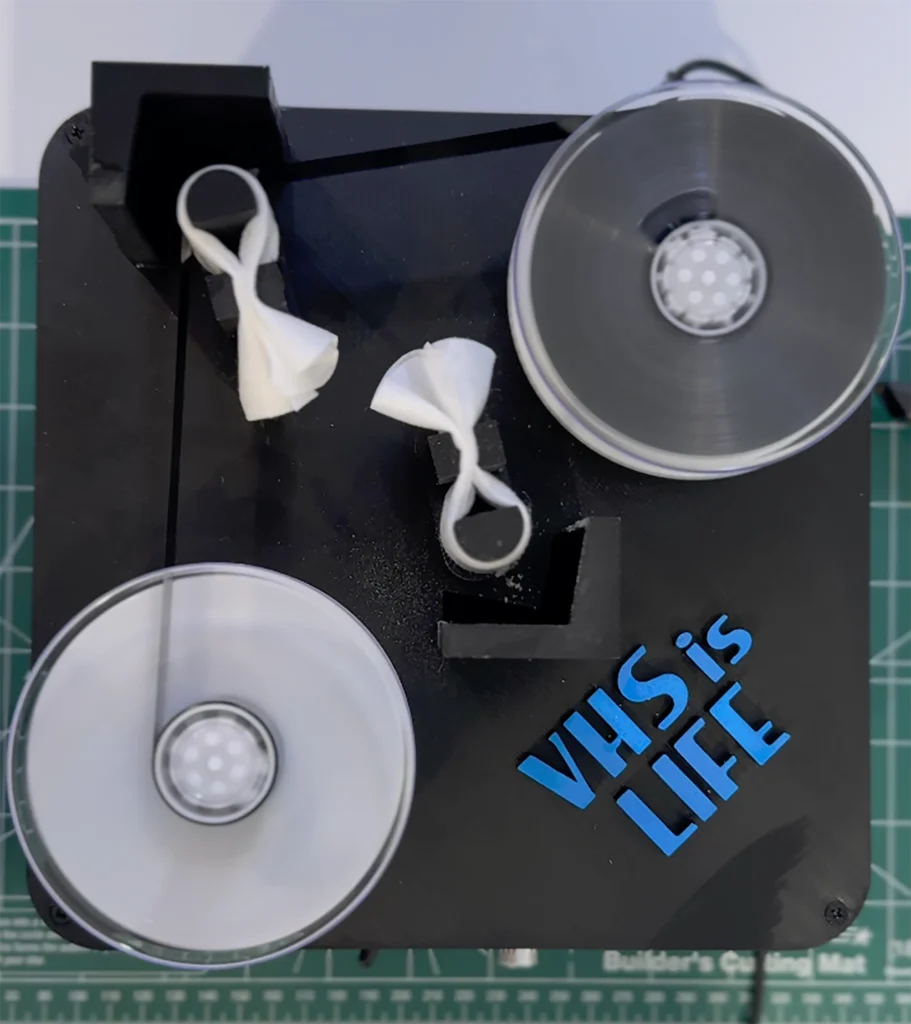
Tapes are checked for visible mold, tape shell damage, or signs the tape has stuck to itself. Cleaning the tape path and, when necessary, the tape itself reduces the risk of playback issues and helps produce a clearer transfer.
Playback Through Compatible Equipment
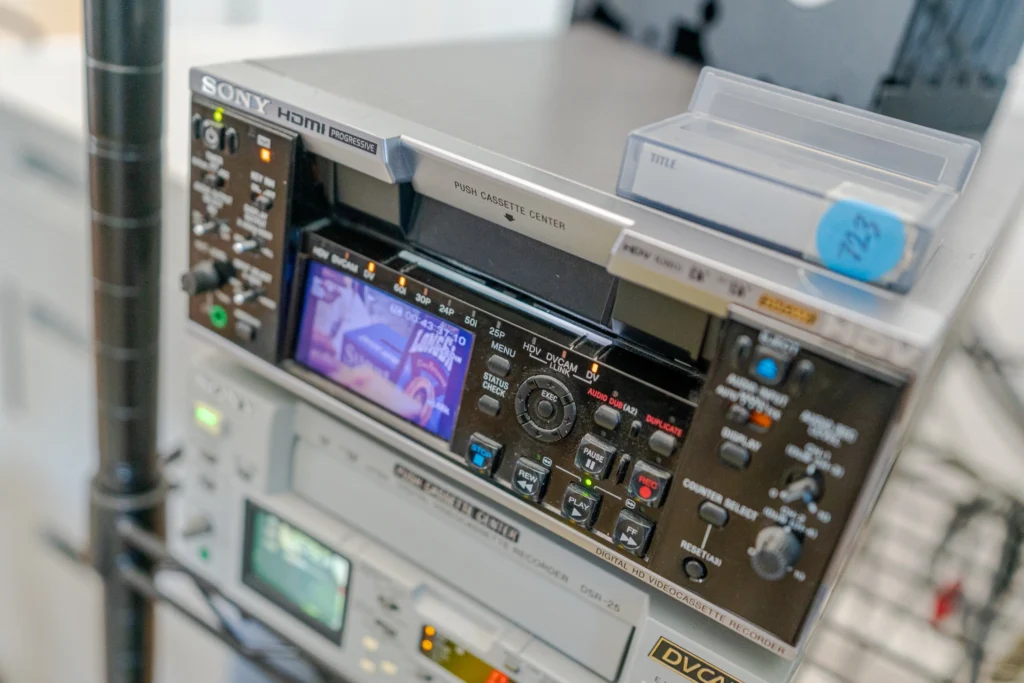
The tape is played on equipment matched to its format – a VCR for VHS, a camcorder or deck for 8mm/Hi8/MiniDV, and so on. Equipment for older, now-discontinued formats can be harder to source and maintain, which is one reason people often turn to a dedicated tape digitizing service rather than attempting a format they no longer have working hardware for.
Capturing the Signal Digitally
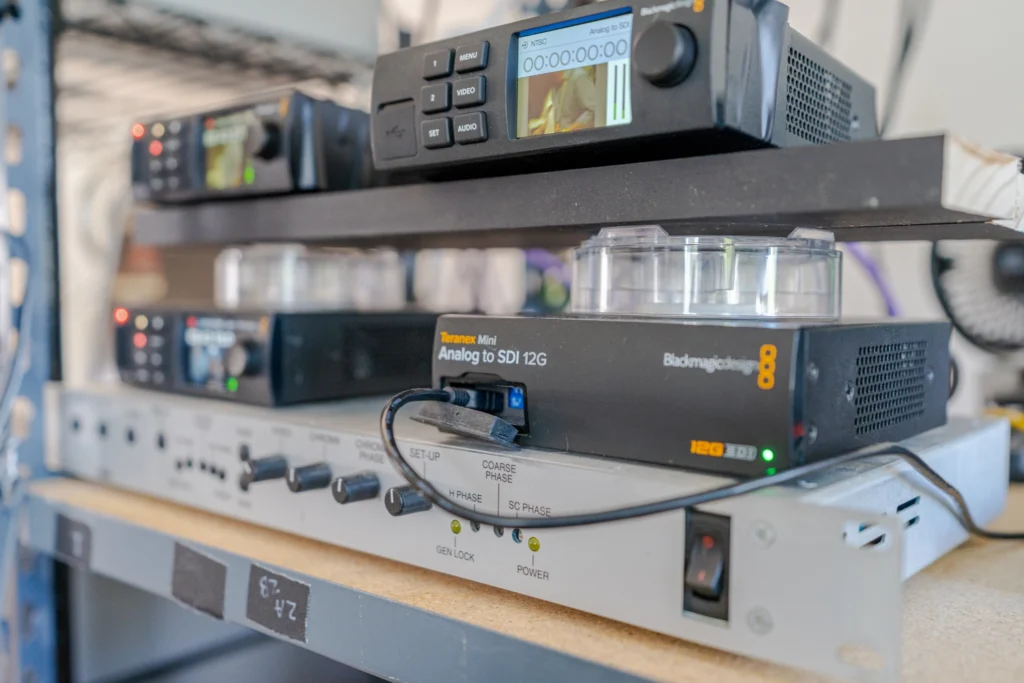
As the tape plays, the analog video and audio signal is captured and converted into a digital video file in real time. This step is why digitizing a two-hour tape takes roughly two hours of processing – the transfer happens at playback speed, not instantly.
Quality Review
The captured file is reviewed for dropped frames, audio sync issues, or visible tracking problems that may need to be addressed, either by adjusting playback equipment or noting sections where the original tape quality was already compromised.
File Delivery
The finished digital file is delivered in the requested format, often on a USB drive, DVD, or through digital download, depending on what the customer requested.
Choosing the Right Digital File Format for Your Converted Tapes
Not all digital video files are created equal, and the format you choose affects both playback compatibility and long-term preservation.
MP4 (H.264) is the most widely compatible option. It plays on virtually any computer, phone, smart TV, or streaming platform, and it keeps file sizes manageable – making it a practical choice for videos you plan to watch, share, or upload.
MOV is common on Apple devices and offers similar quality to MP4, though it’s slightly less universally compatible across non-Apple platforms.
Higher-bitrate or uncompressed formats preserve more picture detail but create much larger files. These are generally more relevant for archival purposes than everyday viewing, and are worth considering only if long-term preservation quality matters more to you than file size or convenience.
For most home video collections, a high-quality MP4 strikes the best balance between picture quality, compatibility, and file size – with many people also keeping a secondary, higher-quality backup copy for archival purposes.
Local Considerations for Wilmington Homeowners
Wilmington’s coastal climate is a meaningful factor in how quickly old tapes deteriorate. Higher year-round humidity accelerates the breakdown of the tape’s binder and creates favorable conditions for mold growth, particularly for tapes stored in attics, garages, or outdoor storage units without climate control.
Hurricane season adds another layer of risk. Power outages, roof leaks, and flooding during storm events can damage or destroy tapes stored in vulnerable areas of the home before there’s ever a chance to convert them. If your tapes are currently stored somewhere that could flood or lose climate control during a storm, moving them to a stable, dry location – or converting them to digital – reduces the risk of losing that footage entirely.
How to Store and Back Up Your Digitized Videos
Converting a tape to a digital file solves the tape-degradation problem, but a digital file can still be lost if it isn’t backed up properly. A useful guideline is the 3-2-1 backup approach:
- 3 copies of the file in total
- 2 different types of storage (for example, an external hard drive and cloud storage)
- 1 copy stored somewhere physically separate, such as cloud storage or a drive kept at another location
Practical ways to apply this once your videos are digitized:
- Keep one copy on the device you use most often
- Save a second copy to an external hard drive that isn’t left plugged in constantly (reduces exposure to power surges and drive failure)
- Upload a third copy to a cloud storage service so it survives even if something happens to your home
It’s also worth renaming files with dates or event descriptions (for example, “1998 Beach Trip” rather than “Tape 12”) so the footage stays easy to find and identify years from now.
Common Mistakes People Make When Converting Old Tapes
- Waiting too long. The most common mistake is treating tape conversion as a “someday” project. Tape degradation doesn’t pause while you decide.
- Using low-quality capture equipment. Inexpensive USB video capture devices can introduce lag, dropped frames, or poor color accuracy, especially with already-degraded source tapes.
- Skipping the backup step. Digitizing a tape and saving the file in only one place just moves the risk from tape decay to hard drive failure, accidental deletion, or device loss.
- Not testing playback equipment first. Attempting to play a fragile tape on an old, poorly maintained VCR increases the risk of the tape jamming or tearing during the one playback that matters most.
- Discarding the original tape immediately. Until you’ve confirmed the digital file plays correctly and is backed up, it’s worth holding onto the original tape as a fallback.
When to Consider Professional Tape Digitizing Services
DIY conversion using a home capture device can work for tapes in good condition when picture quality isn’t a priority. Professional video tape digitizing services in Wilmington are generally worth considering when:
- Tapes show visible damage, mold, or playback issues
- You no longer have working equipment for older formats like Hi8, MiniDV, or Betamax
- You have a large volume of tapes and want consistent, reviewed results
- Picture and audio quality matter, particularly for irreplaceable footage like weddings, births, or family milestones
If any of those apply to your collection, Luma 3 Productions’ tape digitizing services in Wilmington, NC can walk you through which of your tapes are good candidates for conversion and what to expect from the process.
Conclusion
Old VHS and camcorder tapes don’t fail all at once – they degrade gradually, often without any obvious sign until picture or sound quality has already suffered. Wilmington’s humid, storm-prone climate makes that timeline shorter for tapes stored without climate control.
Converting old tapes to digital files, choosing a widely compatible format like MP4, and backing up the results in more than one place is the most reliable way to make sure those recordings are still watchable decades from now.
If you’d like help identifying which tapes in your collection are worth converting or handling formats you no longer have equipment for, call Luma 3 Productions at (703) 282-6857 to talk through your options.
FAQs
How long do VHS tapes actually last before they degrade?
There’s no exact expiration date, but most VHS and camcorder tapes show noticeable quality loss somewhere between 15 and 25 years, depending on storage conditions. Tapes kept in hot, humid, or damp environments tend to degrade faster.
Can a moldy or water-damaged tape still be converted?
It depends on the extent of the damage. Some mold and moisture damage can be addressed with careful cleaning before playback, while severely warped, stretched, or heavily mold-damaged tape may not be recoverable. It’s best not to attempt playback on a visibly damaged tape without first having it assessed, since forcing a damaged tape through a VCR can destroy the remaining footage.
What’s the best digital file format for old home videos?
MP4 (H.264) is the most practical choice for most people, since it’s compatible with nearly every device and keeps file sizes reasonable. If long-term archival quality is a priority, a higher-bitrate backup copy alongside the MP4 is worth considering.
Can I convert VHS tapes to digital myself at home?
Yes, using a USB video capture device connected to a working VCR. Results vary based on the quality of the capture hardware and the condition of both the tape and the playback equipment, and some formats like Hi8 or MiniDV require compatible playback decks that many households no longer own.
Should I keep the original tapes after converting them?
It’s generally worth keeping the originals until you’ve confirmed the digital file plays correctly and has been backed up in at least one additional location. After that, whether to keep the physical tapes is a matter of personal preference and storage space.

