
Tips for Shooting S-Cinetone with the Sony FX3 in Wilmington, NC
If you’re looking for Tips for shooting on the Sony FX3, you’ve come to the right place. At Luma 3 Productions, we use this camera all the time for our Video Production Wilmington, NC projects. The FX3 is small, powerful, and a true low-light monster. It’s not perfect, but it’s one of our favorite tools for professional shoots here in coastal North Carolina.
Whether you’re working on surfing footage at Wrightsville Beach or creating branded content downtown, these tips will help you get the most out of your FX3.
Why We Love the Sony FX3 for Wilmington NC Video Production Services
The FX3 combines portability with professional features. It’s full-frame, handles low light like a champ, and works well for everything from interviews to fast-moving action shots. While it doesn’t have all the broadcast-style features of bigger cameras like the FS7, it makes up for it with flexibility and ease of use. That’s why many Videographer Wilmington NC professionals (including me) rely on it for the majority of my shoots.
Tips for Shooting on the Sony FX3: Camera Profile: Non – S-log Shooting
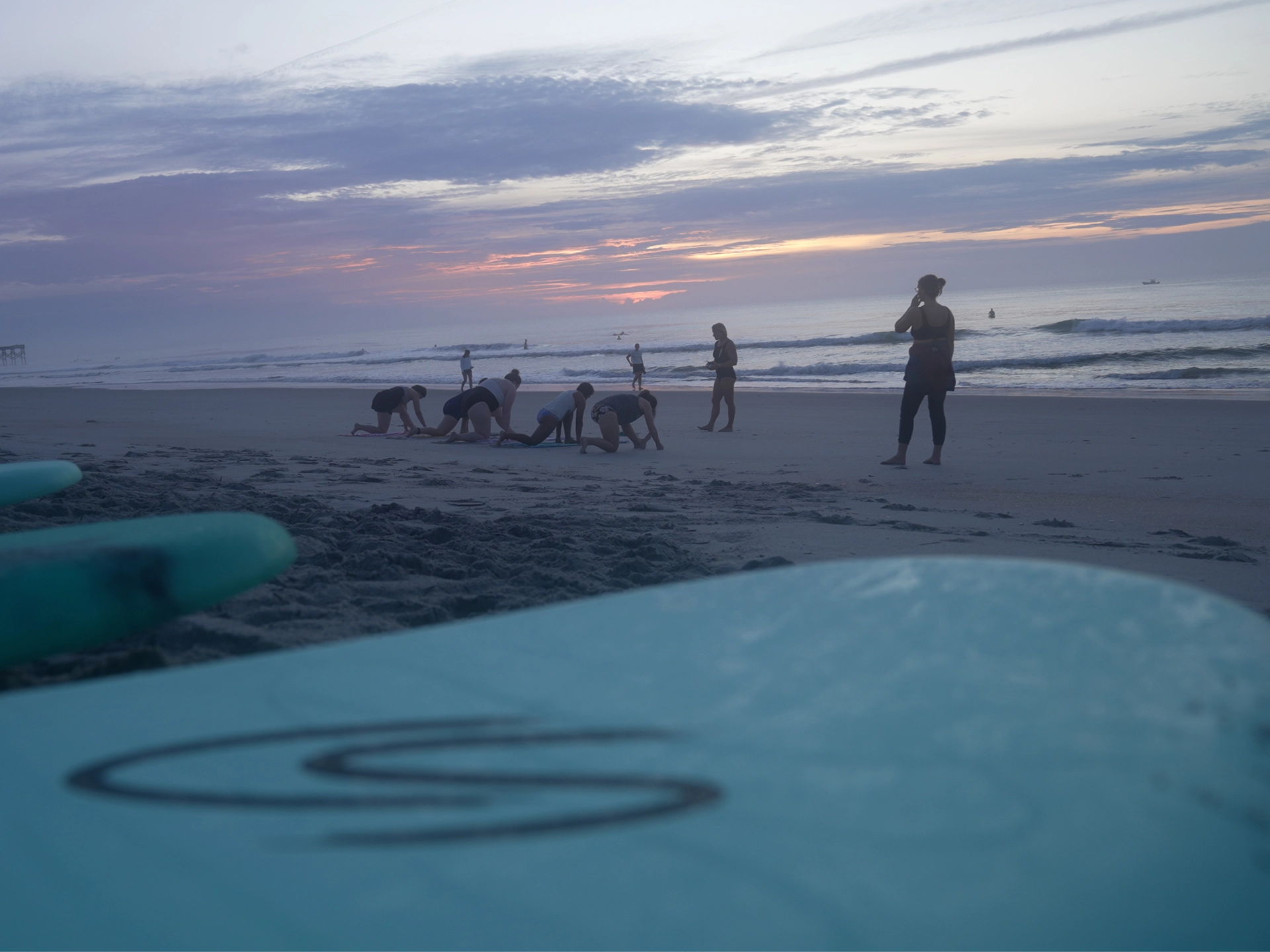
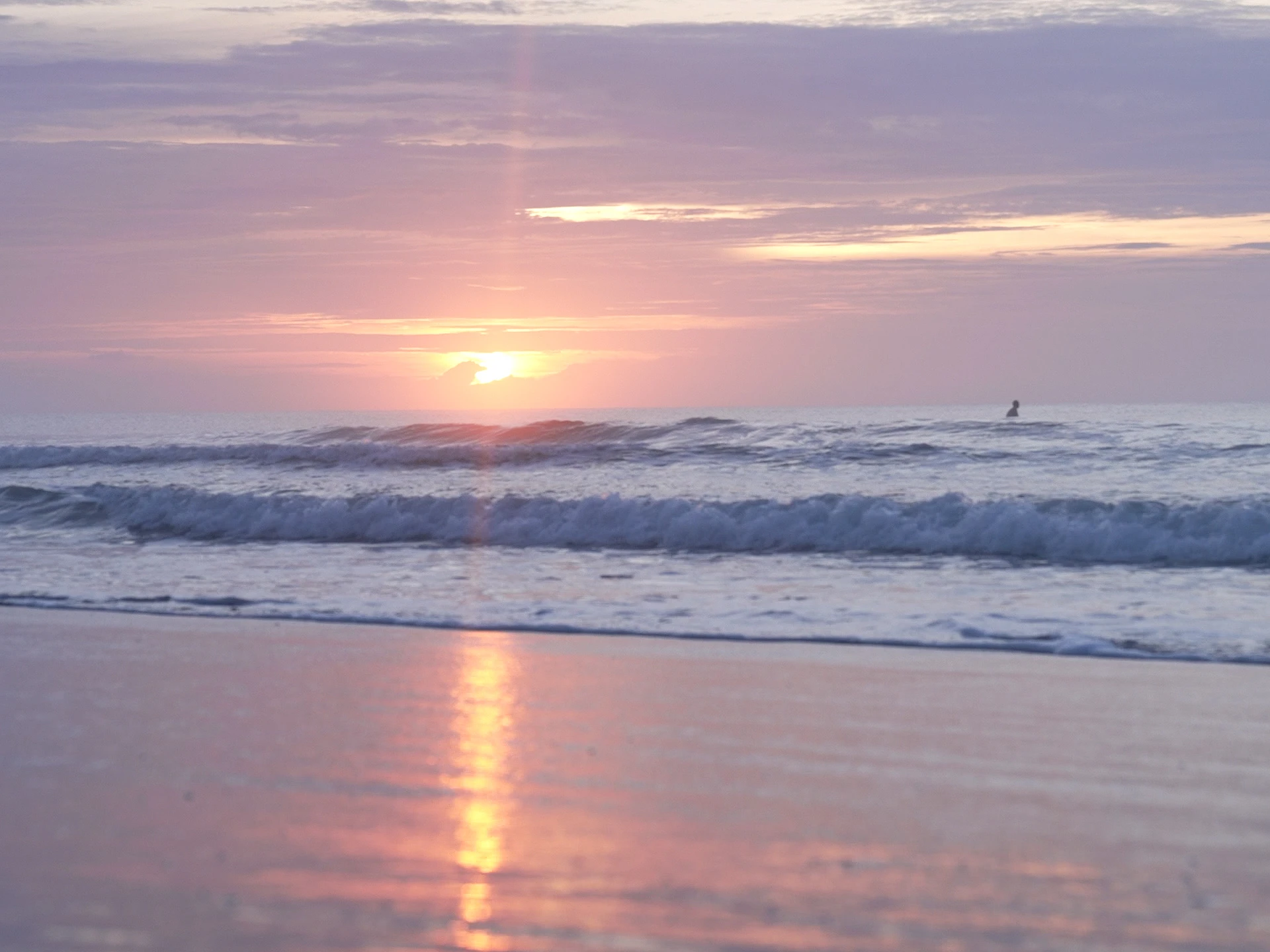
One of the best Tips for shooting on the Sony FX3 is knowing when shoot on one of the picture profiles or shoot in log. For a surfing video, I used S-Cinetone (PP11) instead of S-Log. Why? Because S-Cinetone looks great straight out of camera and doesn’t require heavy color grading. Perfect for quick turnaround projects like YouTube uploads.
That said, if you want maximum dynamic range, S-Log3 is the way to go. Just remember to use the FX3’s dual native ISOs to get clean results.
Quick Switching with Memory Recall
Another great tip: set up Memory Recall (MR1/MR2) for fast profile switching. For example, assign S-Cinetone to MR2 and your Log profile to MR1. That way, you can switch modes quickly without digging through menus. I’m shooting picture profile 11 and say I want to switch over to a log profile. I’ve assigned my MR1 and MR2, which are the recall camera settings so I can switch quickly on the fly. In order to do that, you would hit the mode button, and from there, you can go from your movie mode, still mode, S&Q, and then you have your 3 MR1, MR2, and MR3 settings. So one of my profiles is set at 4K, 120 frames. White balance is set to daylight, but I was going to do a custom white balance because that time of the morning, it’s a very warm color temp.
Frame Rates, White Balance, and Autofocus
-
Frame Rates: Shooting 4K at 120fps is great for slow-motion surf shots.
-
White Balance: Use custom white balance for early morning or golden hour when the light is warmer.
-
Autofocus: The FX3’s face/eye detection (human or animal) paired with a G Master lens makes tracking moving subjects effortless. Seriously, Sony has one of the best autofocus out of any camera on the market. This says a lot, because I’m a manual type of guy.
Stabilization Tips for Videographer Wilmington NC Projects
When using a tripod, turn SteadyShot OFF. For handheld work, you can use Standard or Active stabilization. Just note that Active crops in slightly more. These small adjustments can make a big difference in how professional your footage looks for Wilmington NC Video Production Services.
Recording Formats and File Management
Not every project requires massive file sizes. For non-log work, shooting in 4:2:0 8-bit is more than enough. It saves storage space and still looks great, especially if your final product is going on YouTube or other social media platforms.
Exposure Control with Scopes and Zebras
The FX3 pairs beautifully with an external monitor like a SmallHD. Using scopes and zebras helps nail exposure:
-
Set zebras at 109% to avoid clipping highlights. This is for shooting in S-Cinetone. For S-Log 3, I set clipping at 94% for bright even highlights.
-
If you see zebras creeping in, stop down slightly to preserve detail.
S-Cinetone gives you about 11 stops of dynamic range, which is plenty for most commercial and lifestyle shoots around Wilmington. While S-Log 3 gives you about 13 stops.
Drone Aerial Videography Wilmington NC
While the Sony FX3 handles ground-based shots, I often combine it with drone aerial videography Wilmington NC for our clients. This pairing lets me deliver stunning visuals both on land and in the air, these are perfect for real estate, tourism, or brand films. A good NC Videographer knows when to mix these tools for the best storytelling.
FAQs About Video Production Services in Wilmington, NC
More info about us HERE
What services does Luma 3 Productions offer?
We provide a wide range of services including commercial videos, branded content, life styles, real estate videography, tape digitizing, and drone aerial videography Wilmington NC.
Why choose Luma 3 Productions for Video Production Wilmington, NC?
We combine cinematic visuals with technical expertise. It’s really about telling a story through the lens.
Do you handle both small businesses and larger projects?
Yes! We work with everything from local small businesses to national brands. Our flexible setup means we can scale based on your needs.
Can I hire Luma 3 Productions as my Videographer Wilmington NC?
Absolutely. Whether it’s a real estate highlight reel, an event, or branded content, life styles, we’re here to help bring your vision to life.
Do you offer Drone Aerial Videography Wilmington NC?
Yes, we are FAA Part 107 licensed and experienced drone operators. We combine aerial shots with FX3 footage for a complete video production package.
Final Thoughts
These Tips for shooting on the Sony FX3 are just the start. The more you use the camera, the more you’ll discover what works best for your projects. At Luma 3 Productions, we use these settings and workflows daily for our Video Production Wilmington, NC clients.
If you’re looking for professional, creative, and reliable Wilmington NC Video Production Services, we’d love to connect. Reach out today and let’s talk about your next project!
👉 Check out another BLOG
📞 Call or text me (910) 998-0844
📧 Email me: info@luma3productions.com

